
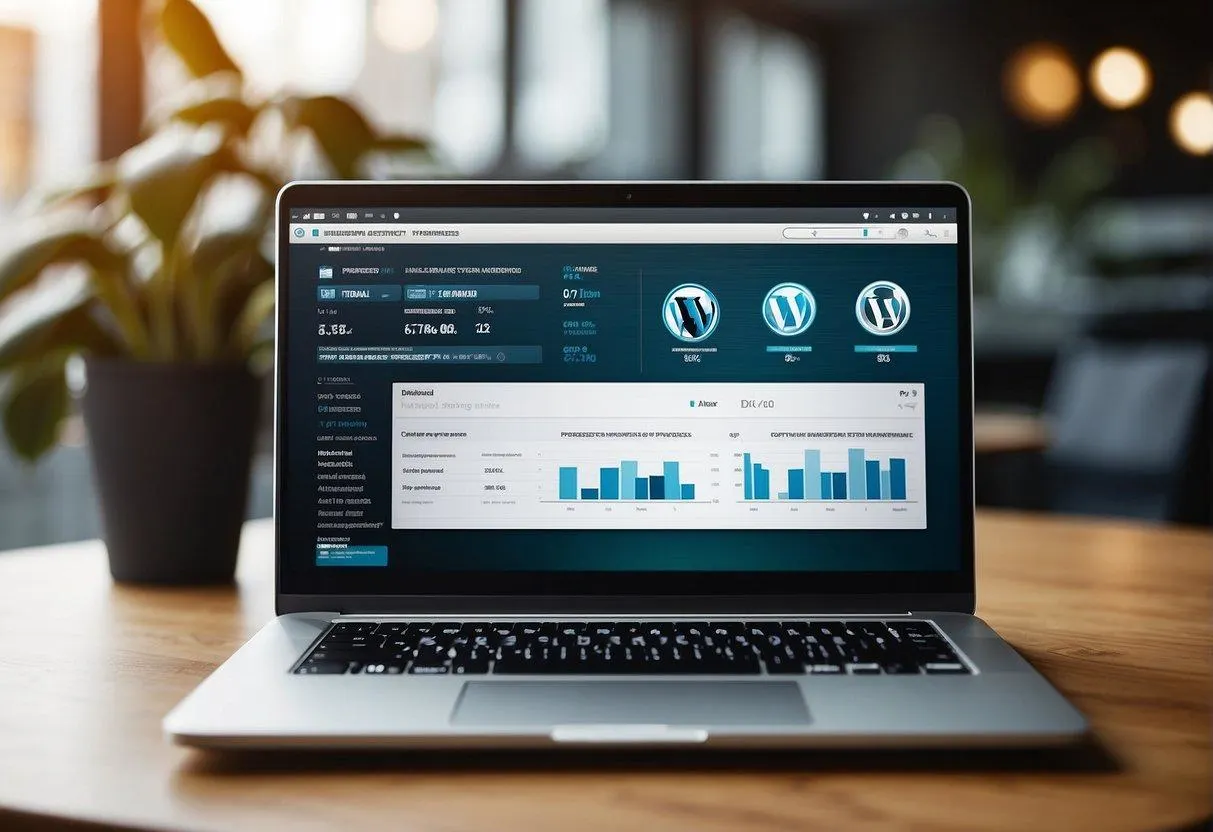
WordPress Website Maintenance: 12 Essential Tasks Every Business Should Follow in 2026
Having a professional WordPress website is an important step towards building a strong online presence. However, launching your website is not the end of the process. Regular maintenance is essential to keep your website secure, fast, functional, and updated.
Many business owners focus on website design and development but forget about ongoing maintenance. Over time, outdated plugins, security vulnerabilities, broken links, database issues, and performance problems can affect the website experience.
Whether you run a small business website, an online store, a company website, or a professional blog, regular WordPress website maintenance can help protect your investment.
In this guide, Smart Web Development explains 12 essential WordPress website maintenance tasks every business should follow in 2026.
What Is WordPress Website Maintenance?
WordPress website maintenance refers to the regular activities required to keep a WordPress website secure, updated, and working properly.
It includes software updates, backups, security checks, speed optimisation, database management, broken link checks, and performance monitoring.
The purpose of website maintenance is to identify potential problems early and keep the website operating smoothly.
12 Essential WordPress Website Maintenance Tasks
1. Keep WordPress Core Updated
WordPress regularly releases updates that may include security improvements, bug fixes, and new features.
Running an outdated WordPress version can expose your website to known vulnerabilities and compatibility problems.
What should you do?
- Check for WordPress updates regularly.
- Review release information before major updates.
- Take a complete backup before updating.
- Test important website functionality after updating.
- Use a staging environment for major changes when possible.
Avoid ignoring important security updates for extended periods.
2. Update Themes and Plugins Regularly
Themes and plugins add functionality and design features to WordPress websites. However, outdated extensions can create security and compatibility risks.
Maintenance checklist:
- Check installed plugin updates.
- Update your active WordPress theme.
- Remove unused and unnecessary plugins.
- Check compatibility before major updates.
- Test forms, menus, payment gateways, and other important features after updating.
Do not install plugins from untrusted sources or use unauthorised premium plugin copies.
3. Take Regular Website Backups
A website backup can help you recover your website if something goes wrong.
Problems such as accidental deletion, malware infection, failed updates, or hosting issues can cause data loss.
What should your backup include?
- WordPress website files
- Themes and plugins
- Uploaded images and documents
- Website database
- Important configuration files
For business websites, schedule automatic backups based on how frequently your website content or orders change.
Store backups in a separate, secure location rather than relying only on the same hosting server.
Most importantly, test your backups periodically to make sure they can actually be restored.
4. Improve WordPress Website Security
Website security should be a priority for every business.
Weak passwords, outdated plugins, insecure hosting configurations, and unauthorised access can put your website at risk.
Security best practices:
- Use strong and unique passwords.
- Enable two-factor authentication where available.
- Keep WordPress, themes, and plugins updated.
- Use HTTPS with a valid SSL certificate.
- Remove unused administrator accounts.
- Limit login attempts where appropriate.
- Use trusted security tools.
- Monitor unusual website activity.
No security measure guarantees complete protection, so combine preventive measures with reliable backups and monitoring.
5. Check Website Loading Speed
Website speed affects user experience and can influence how visitors interact with your business.
A slow website may frustrate visitors, particularly when they access it through mobile networks.
How to improve WordPress website speed:
- Compress large images.
- Use modern image formats such as WebP.
- Enable appropriate caching.
- Reduce unnecessary plugins.
- Optimise CSS and JavaScript.
- Use suitable hosting resources.
- Consider a Content Delivery Network (CDN) where appropriate.
Use Google PageSpeed Insights to identify performance opportunities and monitor important pages.
6. Optimise Your WordPress Database
WordPress stores website content, settings, comments, and other information in its database.
Over time, unnecessary revisions, expired transient data, and spam comments can increase database overhead.
Database maintenance tasks:
- Remove spam and unwanted comments.
- Review unnecessary post revisions.
- Remove unused data carefully.
- Check database health.
- Take a backup before database optimisation.
Avoid deleting database tables or records without understanding their purpose.
7. Check Broken Links and 404 Errors
Broken links can create a frustrating experience for visitors and make it difficult for them to access important information.
A 404 error usually appears when a requested page cannot be found.
What should you check?
- Internal website links
- Important external links
- Navigation menu links
- Service page URLs
- Contact page links
- Old URLs that may need redirects
Use suitable website crawling or Search Console tools to identify important broken URLs.
If you change an existing page URL, configure a relevant 301 redirect where appropriate.
8. Maintain Website Content Regularly
Your website content should remain accurate and useful.
Outdated business information, old service descriptions, broken contact details, and expired offers can reduce customer confidence.
Content maintenance checklist:
- Update business contact details.
- Review service descriptions.
- Replace outdated images.
- Check pricing and promotional information.
- Update old blog posts when necessary.
- Remove irrelevant information.
- Review legal and policy pages.
Publishing useful and accurate content also supports your long-term SEO strategy.
9. Check Contact Forms and WhatsApp Integration
Contact forms, phone buttons, and WhatsApp links are important communication channels for business websites.
If these features stop working, potential customers may be unable to reach your business.
What should you test?
- Contact form submissions
- Email notifications
- WhatsApp links
- Click-to-call buttons
- Appointment forms
- Enquiry confirmation messages
Submit a test enquiry regularly and confirm that the message reaches the correct email address or communication channel.
10. Monitor Website Uptime and Hosting Performance
Website uptime refers to the period during which your website is accessible to visitors.
Hosting issues, server errors, resource limits, or configuration problems can make a website unavailable.
Maintenance activities:
- Monitor website availability.
- Review hosting resource usage.
- Check server error logs when necessary.
- Monitor disk space and database usage.
- Renew domain and hosting services before expiry.
- Review SSL certificate validity and renewal.
Choose hosting that matches your website’s traffic and technical requirements.
11. Review SEO and Google Search Performance
Website maintenance also includes checking whether search engines can properly access and understand your website.
A technical issue can affect crawling, indexing, and organic search visibility.
SEO maintenance checklist:
- Check Google Search Console.
- Review indexing issues.
- Check XML sitemap status.
- Verify robots.txt configuration.
- Review canonical URLs.
- Check important page titles and meta descriptions.
- Monitor broken pages and redirects.
- Review mobile usability and Core Web Vitals reports where available.
Remember that technical SEO maintenance supports search visibility but does not guarantee rankings.
12. Test Website Functionality on Different Devices
A website may work perfectly on a desktop computer but have layout or functionality problems on smartphones and tablets.
Regular device testing helps identify these issues.
Test the following:
- Homepage layout
- Navigation menu
- Service pages
- Contact forms
- Images and sliders
- Buttons and links
- Shopping cart and checkout, if applicable
- Footer and social media links
Check important pages using different screen sizes and browsers.
WordPress Website Maintenance Checklist
Use this simple checklist to organise your maintenance activities.
| Maintenance Task | Suggested Frequency |
|---|---|
| Check security alerts | Weekly |
| Check plugin and theme updates | Weekly |
| Review website backups | Weekly |
| Test contact forms | Monthly |
| Check broken links | Monthly |
| Review website speed | Monthly |
| Optimise database | As needed |
| Review SEO performance | Monthly |
| Check hosting and domain expiry | Monthly |
| Review website content | Monthly |
| Test backup restoration | Periodically |
| Review website functionality | Monthly |
The frequency should be adjusted according to website size, traffic, business activity, and risk.
What Happens If You Do Not Maintain Your WordPress Website?
Ignoring website maintenance can create several problems.
Security Risks
Outdated software and weak security practices can increase the risk of malware, unauthorised access, and website compromise.
Website Downtime
Technical errors, hosting problems, and failed updates can make your website unavailable.
Slow Website Performance
Unoptimised images, unnecessary plugins, and other performance issues can affect loading speed.
Loss of Important Data
Without reliable backups, recovering website content and business information may become difficult.
Poor Customer Experience
Broken forms, outdated information, and non-functional links can frustrate potential customers.
Regular maintenance helps reduce these risks and keeps your website more reliable.
Should You Maintain Your WordPress Website Yourself or Hire a Professional?
The right option depends on your technical knowledge, available time, and website requirements.
If you have a simple website and understand WordPress, you may be able to manage basic updates and content changes yourself.
However, businesses with important websites, online stores, custom functionality, or limited technical resources may benefit from professional maintenance support.
A professional website maintenance service may include:
- WordPress core updates
- Theme and plugin updates
- Regular backups
- Security monitoring
- Website speed checks
- Technical troubleshooting
- Broken link checks
- Website functionality testing
Before hiring a maintenance provider, confirm the exact services, response times, backup arrangements, and monthly or annual charges.
Why Choose Smart Web Development for Website Maintenance?
Smart Web Development provides website design, development, and technical solutions for businesses.
We understand that a business website requires ongoing attention after launch. Regular maintenance can help keep your online presence secure, updated, and functional.
Our services include:
- WordPress Website Maintenance
- Website Security and Backup
- Website Speed Optimisation
- Website Updates and Improvements
- Website Design and Development
- eCommerce Website Support
- Custom Software and Web Applications
Whether you need help maintaining an existing WordPress website or want to improve its performance, we can discuss your requirements and suggest a suitable solution.
Need professional support for your WordPress website?
Contact Smart Web Development to discuss your website maintenance requirements.
Website: https://smartwebdevelopment.in/
Email: info@smartwebdevelopment.in
Frequently Asked Questions (FAQs)
What is WordPress website maintenance?
WordPress website maintenance involves regularly updating, monitoring, securing, and optimising a website to keep it functional and reliable.
How often should I maintain my WordPress website?
Basic maintenance checks should generally be performed weekly, while performance, broken links, SEO, and functionality can be reviewed monthly. Security updates should be handled promptly.
Is WordPress website maintenance necessary?
Yes. Regular maintenance helps reduce security risks, prevent technical problems, protect website data, and provide a better experience for visitors.
What happens if I do not update WordPress plugins?
Outdated plugins may contain security vulnerabilities, bugs, or compatibility issues. Regular updates help reduce these risks, but updates should be tested carefully.
How much does WordPress website maintenance cost in India?
The cost depends on website size, technical complexity, update frequency, security requirements, backups, and support arrangements. Request a quotation based on the actual services required.
Does website maintenance improve SEO?
Website maintenance can support SEO by helping maintain performance, technical accessibility, mobile usability, and functional links. However, maintenance alone does not guarantee better Google rankings.
Are website backups included in maintenance services?
Some maintenance packages include scheduled backups, while others charge separately. Always confirm backup frequency, storage location, retention period, and restoration support.
Can I maintain my WordPress website myself?
Yes. Basic updates, backups, and content changes can be managed by website owners with suitable knowledge. Complex security, server, and technical issues may require professional assistance.
Conclusion
WordPress website maintenance is an ongoing responsibility for every business that depends on its online presence.
Regular updates, backups, security checks, speed optimisation, database management, and SEO monitoring can help keep your website working properly.
Instead of waiting for a technical problem to occur, follow a planned maintenance routine and address issues as early as possible.
A well-maintained website can provide a more reliable experience for your visitors and support your business goals over time.
Keep your website secure, updated, and performing well with Smart Web Development. Contact us today to discuss your website maintenance requirements.


Add comment